SORVA Living · Collection 01
MOVING COSTS &
TIMELINE
PLANNER
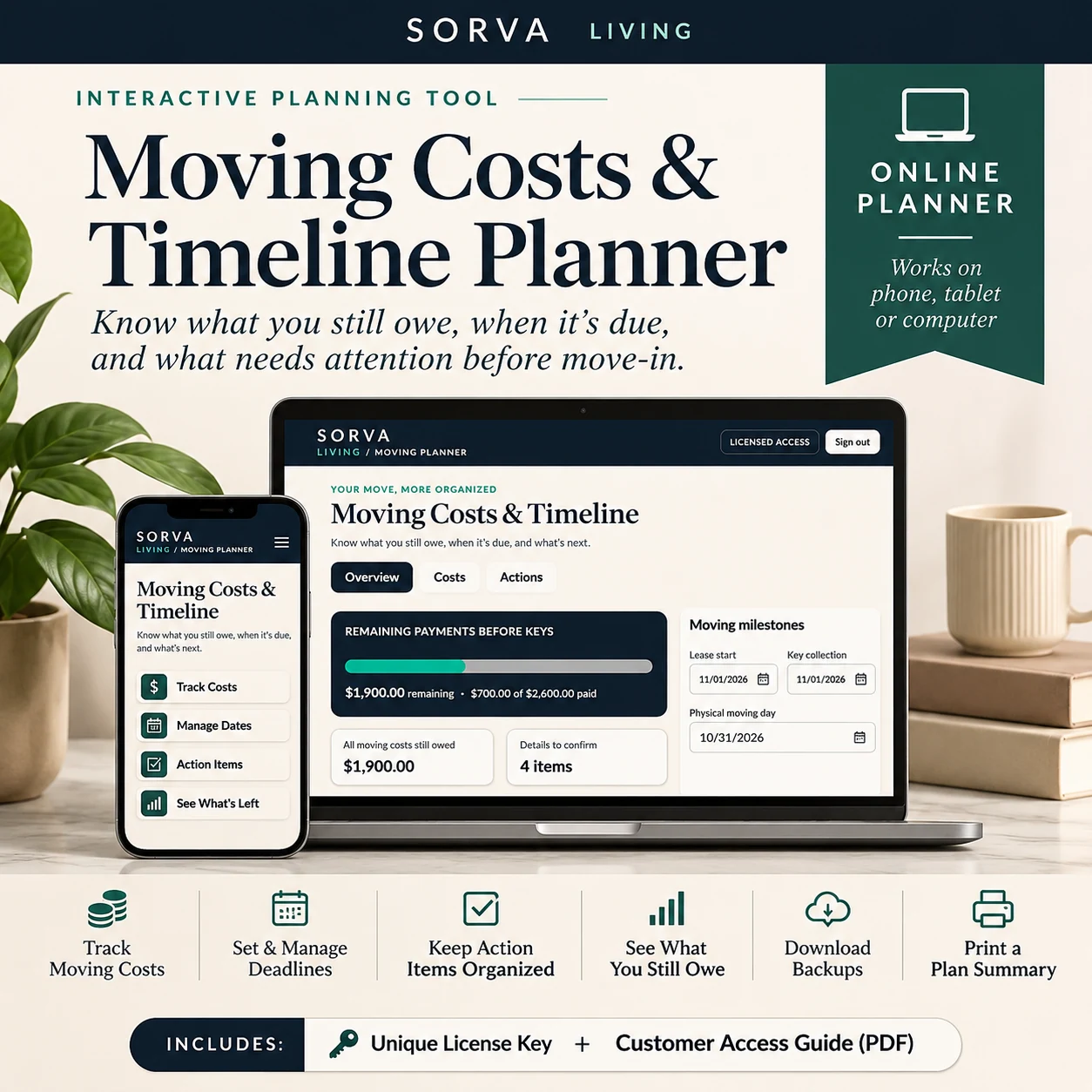
Moving brings a long list of expenses, deadlines, and decisions. Keep what you've paid, what you still owe, key dates, and next steps together—so there are fewer surprises between planning and moving day.
Checkout through Payhip. Activation information is provided after purchase.
ONCE
WHAT IT DOES.
Every cost in one list
Put the expenses you already know about into one view rather than hunting through messages and notes.
Paid vs outstanding
Spot what's been covered and what still needs money before the next deadline arrives.
Dates that matter
Keep lease dates, move-day tasks, and next actions beside the numbers.
Backups you control
Export a JSON backup and restore your plan when needed; automatic cross-device sync is not included.
APPLY A PAYMENT.
WATCH THE BALANCE.
Try a fictional move: enter planned costs, what has already been paid, and one more payment. The remaining amount recalculates instantly.
Type in a total, what you've already paid, and another possible payment to see how much would remain.
Another payment brings your remaining amount down to $1,700.00.
Fictional costs only. Nothing is saved, charged, or sent to the SORVA application.
ACCESS & KEEPING
YOUR PLAN.
The planner is a licensed web app. Understanding where your data lives is important before you buy.
Activating your license
Open the access link and use the license key supplied with your purchase. Keep that email somewhere safe.
Reopening later
Return to the application in the same browser. Your saved local information belongs to that browser and device.
Backup & restore
Export a JSON backup when you want a copy, and import it into the planner when needed.
Where your data lives
Your plan is stored locally in your browser—not automatically synchronized between devices. Clearing browser data may remove it. Keep backups.
Compatibility
Use a supported modern browser on your device. Test the app on the device you plan to use, and use a normal browsing window so your local data persists.
QUESTIONS ABOUT
THE PLANNER.
Do I need a subscription?
No. This is a one-time licensed product purchase.
Where is my information stored?
Locally in the browser on the device where you use the app. There is no automatic cross-device sync.
What if I switch devices?
Export your JSON plan backup and import it into the planner on the other device. Keep your access email and key.
What if I lose my license email?
Check your purchase inbox and contact hello@sorva.online with order information if you need help.